
Aadhaar Bank Seeding: How to Link Aadhaar with Bank Account in 2026 | Benefits & Process
What is Aadhaar Bank Seeding?
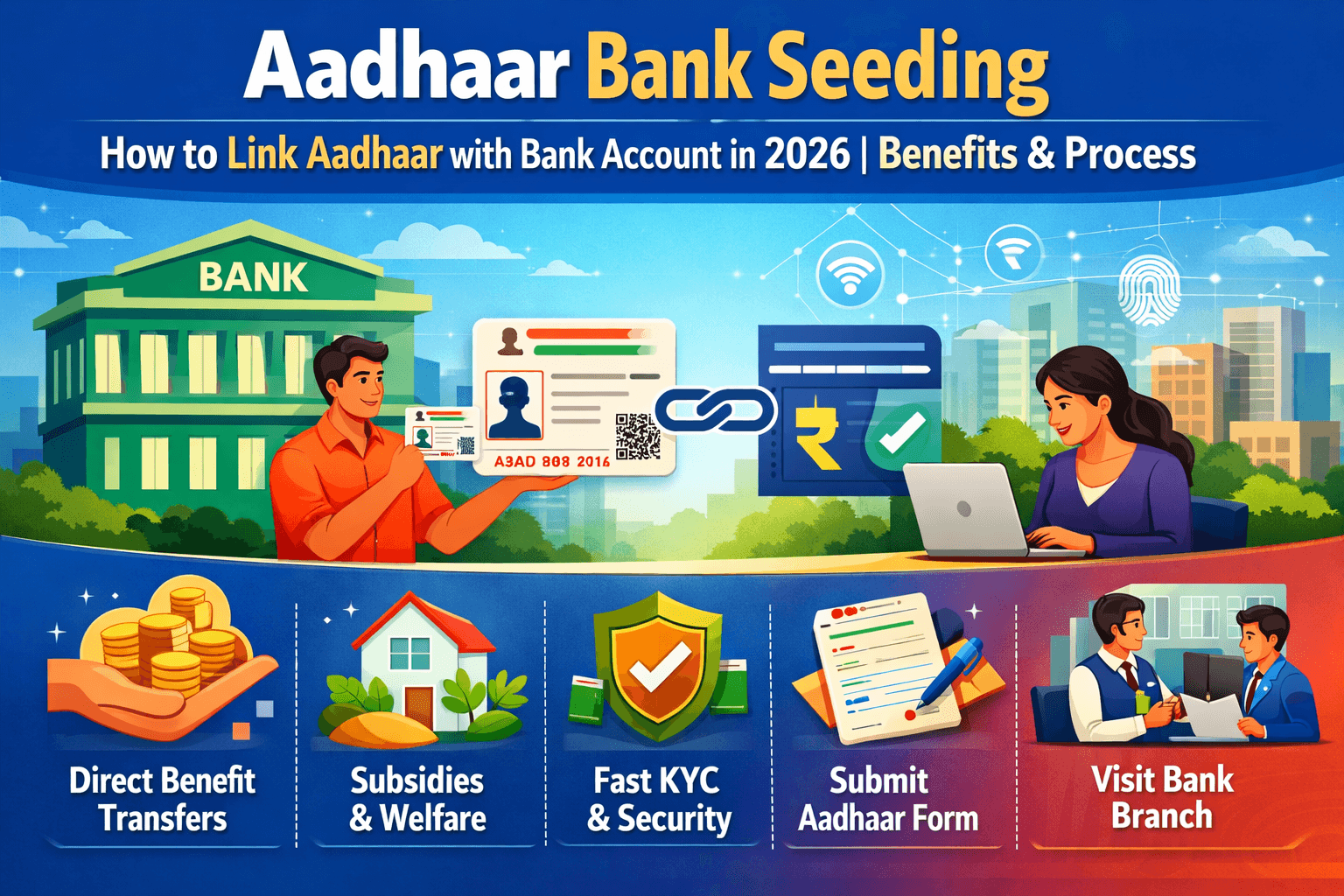
Aadhaar bank seeding is the process of linking your 12-digit Aadhaar number (issued by the Unique Identification Authority of India - UIDAI) with your bank account. This creates a secure digital connection that allows government schemes to transfer benefits directly into your account via the Direct Benefit Transfer (DBT) system.
In simple terms, seeding ensures your Aadhaar identity is mapped to a specific bank account in the NPCI (National Payments Corporation of India) mapper. This mapping helps route subsidies, pensions, scholarships, and other welfare payments accurately and without intermediaries.
Aadhaar seeding is voluntary for general banking services, as per the Supreme Court of India’s 2018 judgment. However, it becomes mandatory if you wish to receive benefits or subsidies under schemes notified under Section 7 of the Aadhaar Act, 2016 (such as LPG subsidy, PM-KISAN, MNREGA wages, pensions, or scholarships).
Why is Aadhaar Seeding Important?
Linking your Aadhaar to a bank account offers several practical advantages:
- Direct Benefit Transfer (DBT): Government payments (LPG subsidy, pensions, scholarships, MNREGA wages, etc.) are credited directly to your account, reducing delays and leakages.
- Simplified KYC: Faster account opening, loan processing, and financial services with biometric or e-KYC authentication.
- Fraud Prevention: Helps eliminate duplicate or fake accounts and ensures benefits reach the intended person.
- Convenience: Enables Aadhaar Enabled Payment System (AePS) for cash withdrawals and balance enquiries using biometrics at micro-ATMs.
- Transparency: Creates an auditable trail for welfare schemes, benefiting both citizens and the government.
Without seeding, you may face delays or miss out on DBT credits for eligible schemes.
How to Link Aadhaar with Bank Account (Step-by-Step Guide)
You can seed Aadhaar through offline or online methods. Choose the one that suits you best.
1. Offline Method (Bank Branch)
- Visit the branch where you hold the account.
- Request the Aadhaar Seeding Consent Form (sometimes called Annexure I).
- Fill in your Aadhaar number, account details, and sign as per bank records.
- Submit a self-attested photocopy of your Aadhaar card (and any other ID if asked).
- The bank verifies details, seeds the Aadhaar in their system, and updates the NPCI mapper.
- You receive an acknowledgement slip. The process usually completes in a few days.
2. Online Methods
- Internet Banking / Mobile Banking App:
- Log in to your bank’s net banking or mobile app.
- Go to “My Account” → “Update Aadhaar” or “Aadhaar Linking” section.
- Enter your 12-digit Aadhaar number (twice for confirmation).
- Authenticate with OTP sent to your registered mobile number.
- Submit. The bank will verify with UIDAI.
- Bharat Aadhaar Seeding Enabler (BASE) by NPCI (Recommended for self-service):
- Visit the official NPCI portal (npci.org.in) → Consumer section → Bharat Aadhaar Seeding Enabler.
- Check seeding status, link Aadhaar, de-seed, or move linkage to another account.
- This digital platform allows you to manage seeding without visiting a branch.
- Other Options (bank-specific): Some banks support seeding via ATM, SMS, or missed call. Check your bank’s website or app for availability.
Note: Always use your Aadhaar-registered mobile number for OTP. Ensure your Aadhaar details (name, date of birth, etc.) match bank records to avoid rejection.
How to Check Aadhaar Bank Seeding Status
- Log in to myAadhaar portal (myaadhaar.uidai.gov.in) using your Aadhaar number and OTP.
- Visit your bank’s net banking/mobile app and check under account services.
- Use the BASE platform on NPCI website.
- Some banks provide status via SMS or customer care.
You can also check which bank accounts are linked to your Aadhaar.
Benefits vs. Concerns
Benefits:
- Faster, leak-proof delivery of government benefits.
- Enhanced security through biometric authentication.
- Easier access to financial services and schemes.
Privacy & Security:
- Aadhaar data is protected under the Aadhaar Act with strict authentication protocols.
- You can de-seed (unlink) Aadhaar from a specific account anytime via your bank or BASE platform if you switch banks or for privacy reasons.
- Linking is consent-based for non-DBT services.
Always download e-Aadhaar from the official UIDAI website and avoid sharing copies unnecessarily.
Common FAQs about Aadhaar Bank Seeding
Is Aadhaar bank linking mandatory? No, it is not mandatory for opening or operating a regular bank account. It is required only to receive DBT benefits under notified government schemes.
What if seeding fails? Common reasons include name/DOB mismatch or inactive Aadhaar. Correct details at an Aadhaar centre or bank and try again.
Can I link one Aadhaar to multiple bank accounts? Yes, but for DBT, benefits usually go to the account mapped in the NPCI mapper. You can update the mapping when switching accounts.
How long does seeding take? Offline: 2–7 working days. Online: Often instant or within 24–48 hours.
Final Tips for Successful Aadhaar Seeding
- Keep your Aadhaar, bank passbook, and registered mobile handy.
- Update your Aadhaar details (address, mobile, etc.) first if outdated.
- For DBT-heavy users (farmers, pensioners, students), ensure seeding is active.
- If you change your primary bank account, use BASE to move the linkage.
Aadhaar bank seeding remains one of the simplest ways to ensure you receive entitled government benefits directly and securely. If you haven’t linked yet and avail any welfare scheme, complete the process at the earliest.
For official assistance: Visit uidai.gov.in or your bank branch. Always use government portals for updates.