
Karnataka Launches e-Swathu 2.0: How to Apply and Download e-Khata Documents
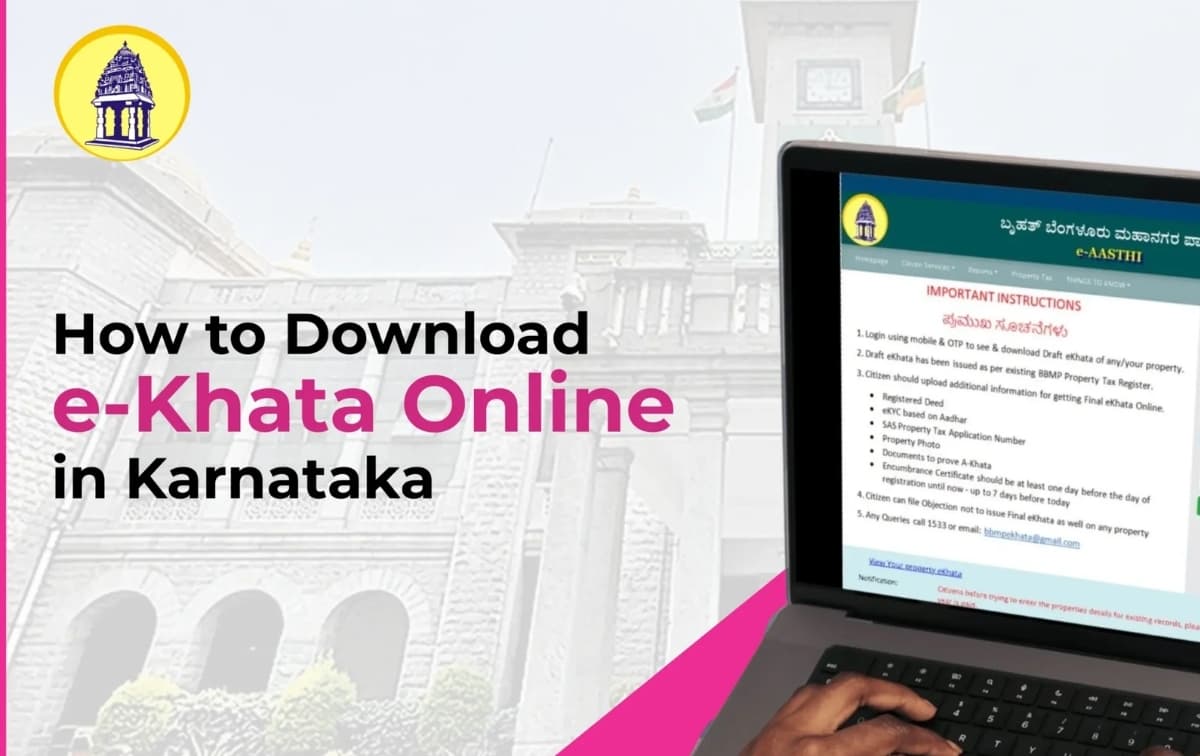
Karnataka has officially launched e-Swathu 2.0, a major upgrade to its rural property management system that enables faster, more transparent issuance of e-Khata, Form-9, and Form-11B documents for properties in Gram Panchayat areas. The improved platform is part of the state’s mission to streamline rural land records and regularise millions of properties.
The rollout begins with nearly 6.5 lakh properties across Gram Panchayats surrounding Bengaluru, supported by a dedicated call centre and strengthened verification system. The government aims to regularise over 90 lakh rural properties statewide under this initiative.
What e-Swathu 2.0 Offers
e-Swathu 2.0 digitises rural property records and makes it easier for citizens to obtain:
Form-9 (property ownership/tax record)
Form-11B (non-agricultural property register)
e-Khata for new and existing properties
The platform reduces manual paperwork, eliminates duplicate records, and introduces transparency by linking property validation with Aadhaar-based verification and digital workflows.
Who Can Apply
Property owners in Gram Panchayat areas (non-urban regions). Citizens living under BBMP or other urban municipal bodies must use their respective portals.
How to Apply for e-Khata via e-Swathu 2.0
Step 1: Visit the Official Portal
Go to the e-Swathu website (eswathu.karnataka.gov.in) and open the Citizen Services section.
Step 2: Create/Login to Your Account
Register using your mobile number/Aadhaar and verify with OTP.
Step 3: Select the Required Service
Choose from:
Form-9
Form-11B
New e-Khata
Khata transfer / update
Step 4: Enter Property Details
Provide:
Survey/site number
Property owner information
Location details
Step 5: Upload Required Documents
Depending on the property, the portal may ask for:
Registered sale deed
Aadhaar/ID proof
Tax receipt
Electricity bill
Site map or sketch
Step 6: Pay the Application Fee
Make the payment online through the portal.
Step 7: Track the Application
You can track real-time status on the portal.
Draft e-Khata/Form-9/Form-11B is typically issued within ~15 days, subject to verification by the local Gram Panchayat.
Step 8: Download Your e-Khata
Once approved, the final document is digitally signed and available for download directly from the portal.
Benefits of e-Swathu 2.0
Faster and paperless approvals
Standardised property records
Reduced fraud and duplication
Better access to loans, tax payments, and building approvals
Direct online download without multiple office visits